
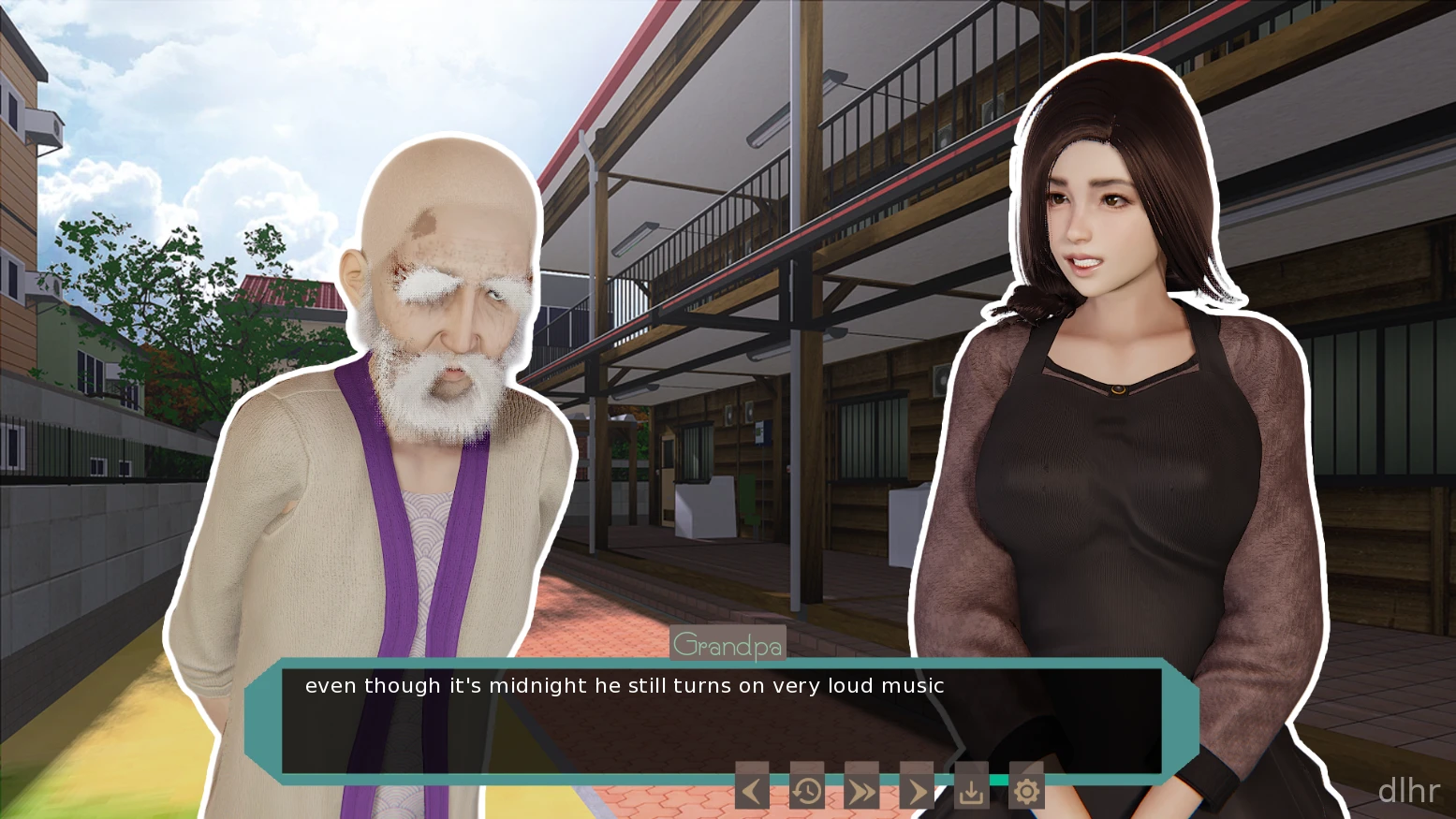
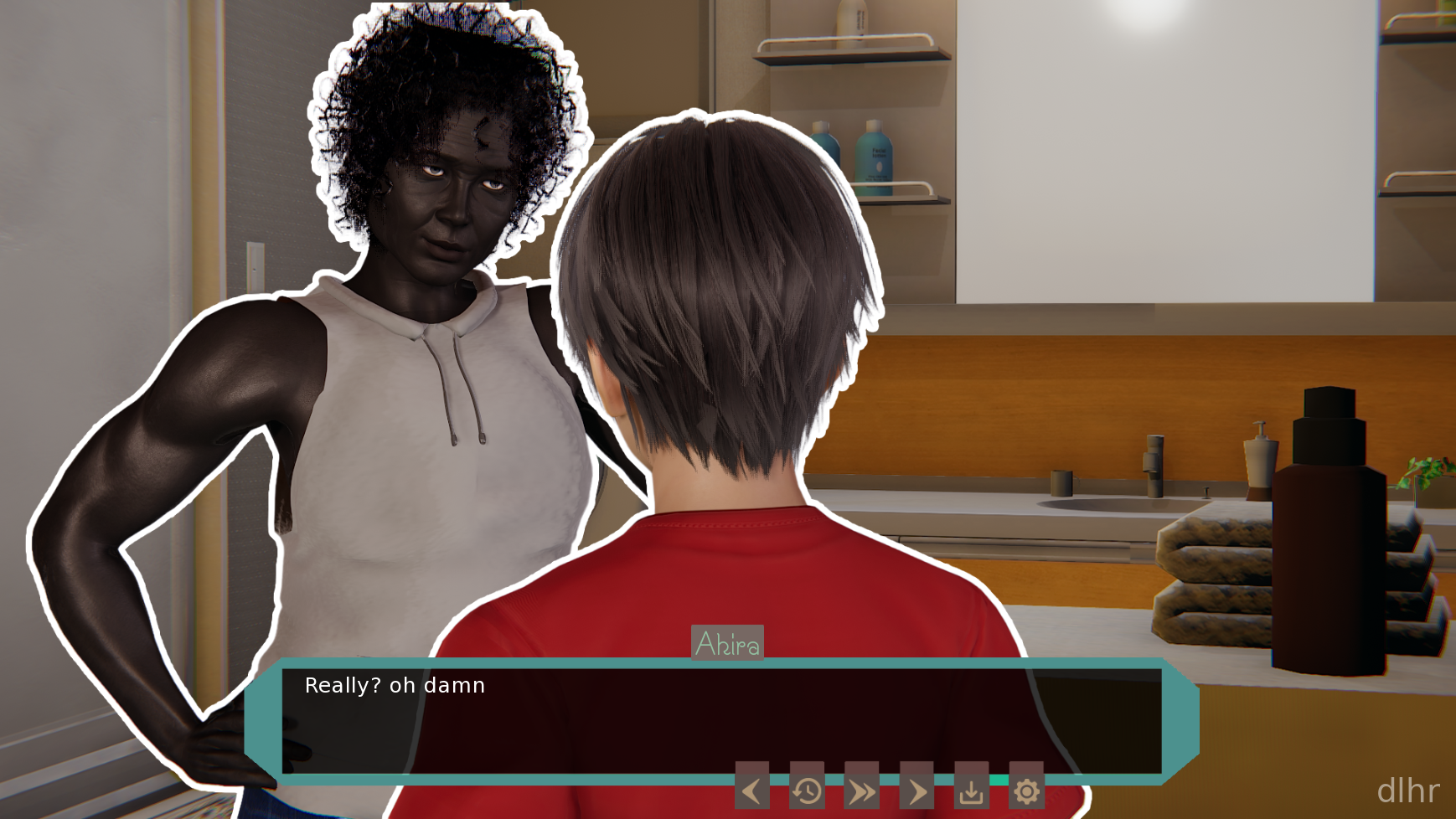
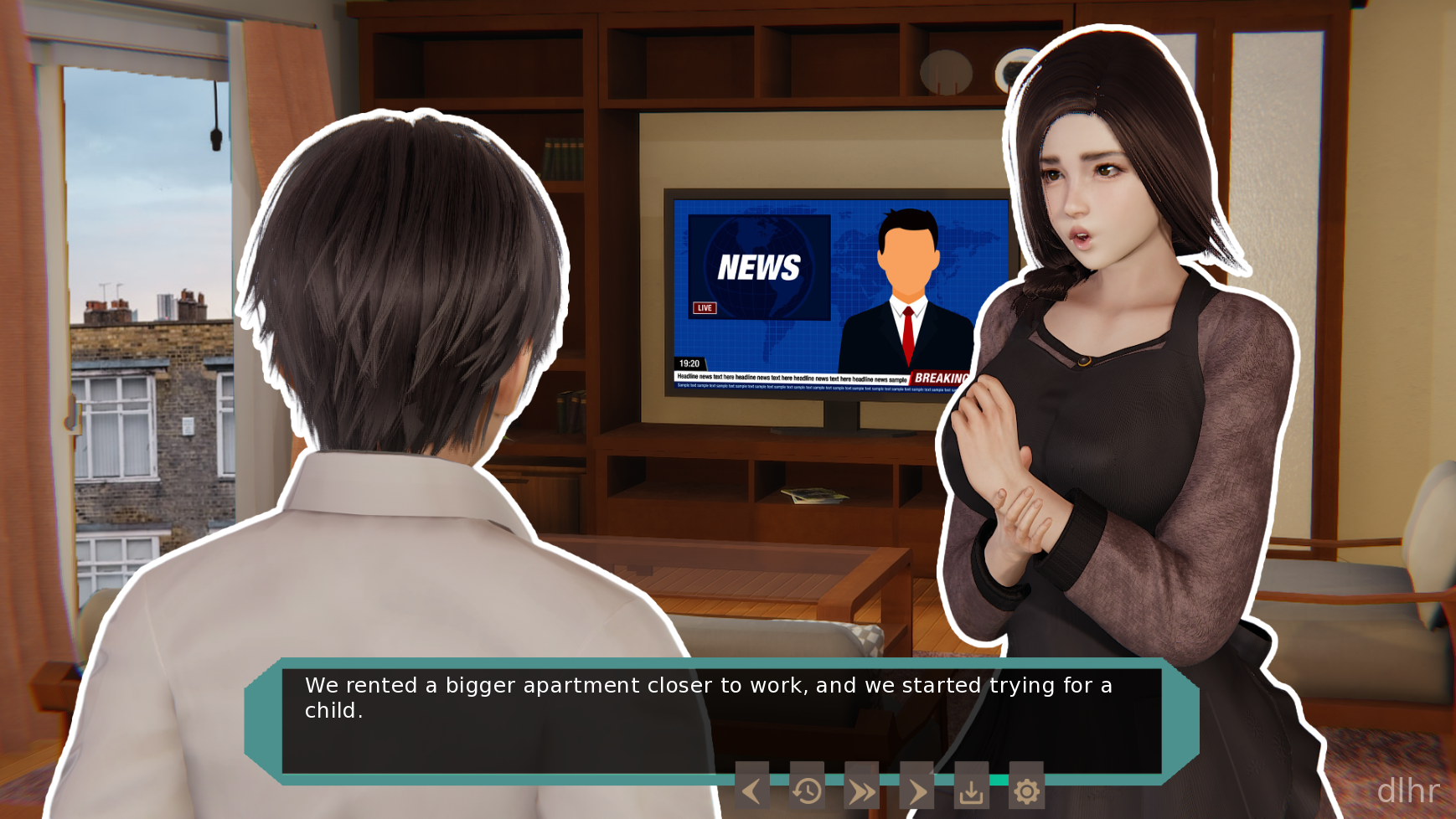
Lesson From Neighbor Game on Android – Weird Neighbor, Weird Fun
Lesson From Neighbor is one of those odd little Android games where you’re mostly just trying to figure out what your neighbor is hiding. You creep around, poke at objects, and slowly understand how the house works. It has that slightly tense but still casual vibe where you’re half laughing and half stressed about getting caught.
From the first minutes, you’re dropped into a neighborhood setting that feels familiar but a bit off. Doors are locked for no good reason, rooms connect in strange ways, and you get that “there’s definitely something wrong here” feeling. If you enjoy exploring spaces and learning by messing up a few times, this one scratches that itch.
Visually, it’s not trying to be ultra-realistic, but everything is clear enough that you can quickly see what you can interact with. On my phone it ran smoothly, which matters a lot when you’re trying to sprint away from a suspicious neighbor who suddenly decided to patrol the hallway.
What stands out in Lesson From Neighbor
🔍 Exploration is the core of Lesson From Neighbor. You roam around the neighbor’s house, check rooms, open drawers, and slowly learn how the place is laid out and where the important items are.
🏃♂️ There is a light stealth element going on. You need to avoid the neighbor, listen for footsteps, and sometimes sprint to another room when you’ve pushed your luck a bit too far.
🧩 Puzzles are sprinkled through the house. They’re not super hardcore brainteasers, more like small tasks and logic steps that keep you thinking just enough without blocking you for hours.
📱 Controls are straightforward: virtual joystick for movement and a simple interaction button system. After a few minutes it feels natural enough to play with one or two hands while you’re on the couch or on a bus.
⚠️ One thing to know: the structure can feel a bit repetitive if you replay the same areas a lot after failing. You’re basically running the same routes until you learn them, which some people will love and others might find a bit grindy.
Why Lesson From Neighbor can be surprisingly fun
You get that satisfying “cat and mouse” feeling without needing a huge time investment. A short session still gives you that tiny rush of getting in, grabbing something, and slipping out without being seen.
The game nails the tension curve pretty well. Early on you’re confused and slow, then you start to move more confidently as you figure out patterns and shortcuts. That sense of learning the house is honestly the best part.
Sound design helps a lot here. Footsteps, doors, and little ambient noises make it easier to tell when you’re safe or when you’ve pushed too far. Playing with headphones makes the neighbor feel closer and a bit more threatening, in a good way.
I also liked that the interface stays mostly out of your way. No huge clutter on the screen, no constant pop-ups blocking your view. You just focus on the rooms, the doors, and whether that shadow in the hallway is going to ruin your plan.
On the downside, don’t expect a deep story with tons of dialogue or big cutscenes. The “lesson” part is more about what you learn from trial and error than a long narrative arc.
How a typical play session goes
First few minutes, you’re mostly wandering. You check what doors are open, which objects react when you tap them, and how the neighbor moves. There’s a bit of confusion, but also that fun “what does this do?” curiosity.
After a couple of tries, you start forming a plan. Maybe you know which room has a key, or which hallway is safer, so you time your moves between the neighbor’s patrols. That’s when the game starts to feel more tactical and less random.
On Android, performance is usually fine as long as your device isn’t ancient. Load times are short enough that failing doesn’t feel punishing, so you can squeeze in a run during a short break without feeling stuck in menus.
Controls are touch-based and pretty standard for this kind of first-person style exploration. Sometimes you might fumble a bit with precise interactions if you have a smaller screen, but after a while your fingers just know where to go.
As for sessions, Lesson From Neighbor works both as a quick 5–10 minute sneak attempt or a longer “let me finally crack this house” evening. Just be ready to repeat some paths when you mess up; that’s part of how the game teaches you what works and what doesn’t.
Is Lesson From Neighbor worth installing?
If you like sneaking around, experimenting with different routes, and slowly figuring out how an environment works, Lesson From Neighbor is a nice little Android game to have installed. It’s not huge or overly complicated, but it has enough tension and mystery to keep you curious for a while.
People who want deep RPG systems or massive open worlds probably won’t find that here, but for fans of neighbor-style stealth adventures and light puzzle elements, it’s an easy recommendation to at least try a few rounds.
![Wake up and change [v0.001]](https://image.dlhr.com.cn/image/20260527/f2483f9a3faeebf736d668b6957372a0.png)







Comments