


Animeverse Island Game on Android – first impressions
Animeverse Island feels like someone mashed together a cozy life sim with a cute anime fan project and dropped it onto your phone. You start on a quiet little island and slowly turn it into your own anime-themed place, with characters wandering around and small tasks to keep you busy.
The vibe is very laid-back. No pressure, no hardcore grinding right away, just you poking around menus, placing things, collecting resources and watching your island get a bit more alive. On Android it runs like a chill background hobby you can check in on a few times a day.
Visually it leans hard into colorful anime-style art, with simple but charming characters and environments. It’s not some huge 3D blockbuster, but it has that “cute mobile sim I play on the couch” energy that a lot of people like.
What Animeverse Island actually offers feature-wise
1. You gradually build and expand an anime-themed island, placing buildings, decorations and little details to make it feel like your own space.
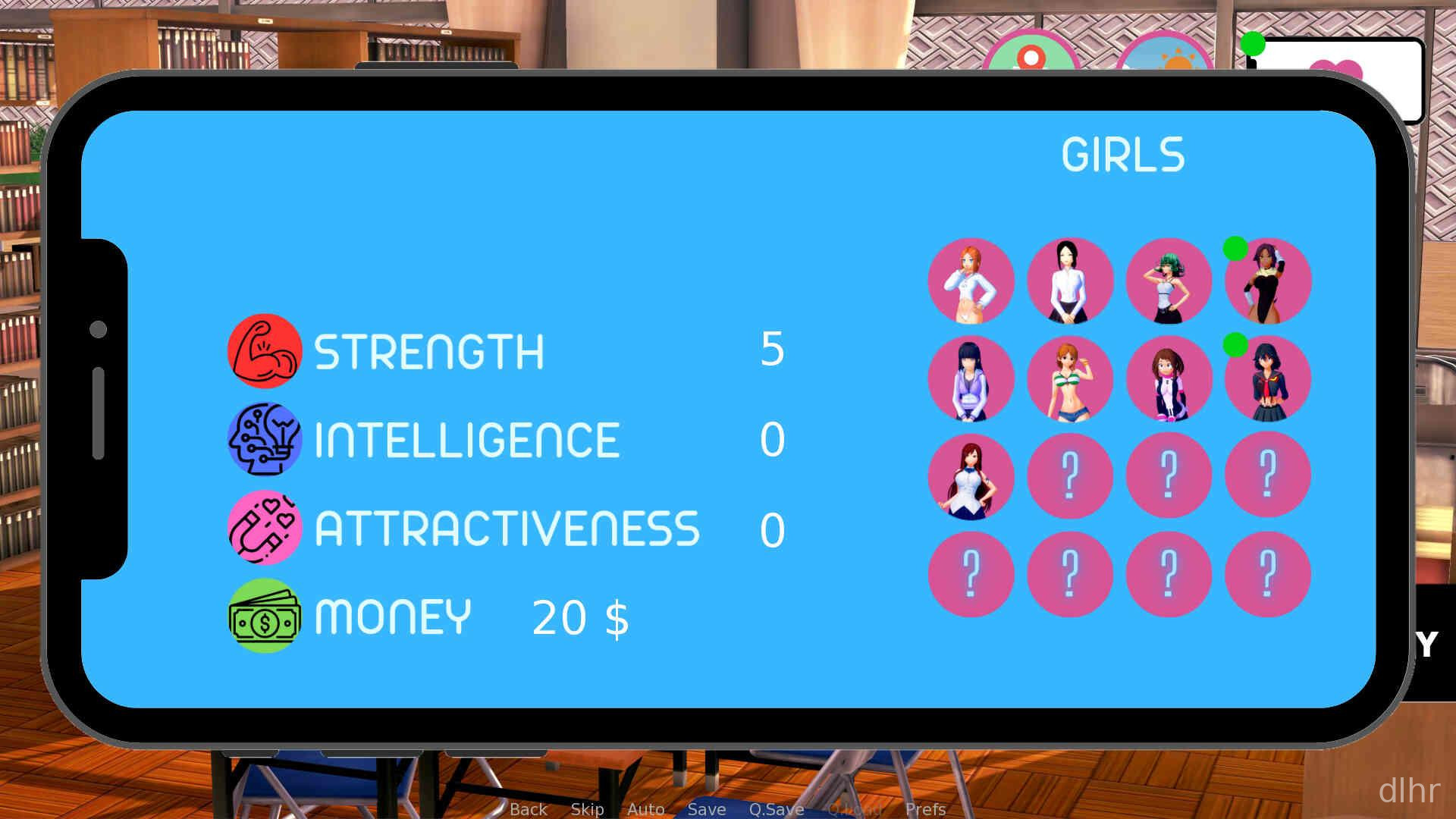
2. There are anime-style characters to collect or unlock, and they wander around, interact with objects and give the island some personality.
3. Resource gathering and basic management are part of the loop, so you’ll be collecting stuff, waiting on timers and spending currency to upgrade.
4. Short missions or tasks guide you through what to do next, which helps a lot when you first open the game and feel a bit lost.
5. As with many mobile sims, there may be ads or optional purchases, so don’t expect everything to be unlocked instantly without some patience.
Where Animeverse Island shines
The strongest part of Animeverse Island is the atmosphere. It’s calm, colorful and kind of comforting, like a low-stress anime village that lives in your phone. You can open it for a few minutes, tweak something, then go back to your day.
Controls are simple and touch-friendly, mostly tapping and dragging to move objects or confirm actions. On Android it feels natural, and I didn’t run into any weird gesture issues or confusing UI layering.
Progression is paced in a way that suits casual play. You make a bit of progress, hit a timer, then come back later. If you like constantly fiddling with things, you might find the waiting a little slow, but for a relaxed sim it fits.
One thing to keep in mind: graphics are cute but not super detailed, and some animations repeat a lot. If you’re expecting console-level visuals, you’ll probably notice the simplicity pretty fast, but for a mobile sim it does the job.
How the gameplay loop feels day to day
When you open Animeverse Island, you usually start by collecting whatever finished while you were away: resources, building timers, maybe some character rewards. That first minute is just tapping through your island and seeing what changed.
After that, you’ll queue up new buildings or upgrades, move decorations around to make things look nicer, and maybe follow a few tasks the game suggests. It’s very much a “set things in motion, then leave it” kind of loop.
Sessions don’t need to be long. Five to ten minutes is enough to feel like you did something, which is great if you’re just killing time on the bus or between classes. Longer sessions can feel a bit repetitive because you’re mostly doing variations of the same actions.
Performance-wise, it should be fine on most modern Android phones, since it’s not pushing heavy 3D graphics. If your device is older, you might notice some loading pauses, but nothing too dramatic for a game of this scale.
Final thoughts on Animeverse Island
Animeverse Island is the kind of game that works best if you want a gentle, anime-flavored life sim you can check on throughout the day rather than something you sink hours into at once. It’s simple, but that’s also what makes it easy to stick with.
If you enjoy decorating, collecting cute characters and slowly building up a little world on your Android phone, it’s worth a try. If you’re chasing deep story, complex combat or zero waiting times, this probably won’t scratch that itch, but as a cozy side game it does its job pretty well.








Comments